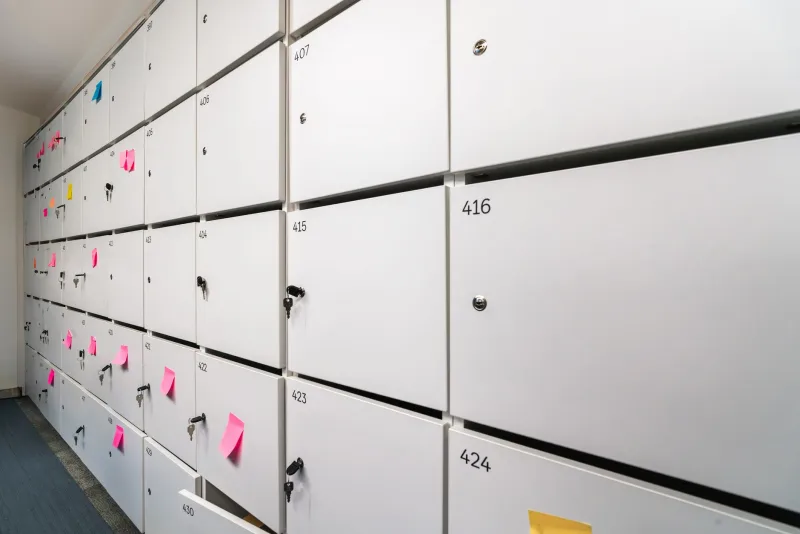
Clearing the Digital Cupboard: A Manager's Shared-Drive Review in Under an Hour

Shared drives have a habit of behaving like the stationery cupboard: useful, familiar and quietly overstocked. A folder created for a project that ended three years ago remains in place. A former colleague still has edit access. Three documents claim to be the final version. None of this is dramatic, but it is untidy, and untidy storage carries practical and regulatory consequences.
For UK managers, a shared-drive review is not an IT project. It is a managerial housekeeping exercise. It supports the data protection principles of storage limitation and data minimisation, helps teams find the right file, and reduces the chance that old material is used in error. The aim is not a purge. The aim is a recorded, proportionate clean-up that can be repeated.
Set the scope before the clock starts
Choose one shared drive or one substantial area within it. A review that tries to cover the whole organisation will fail. Invite two or three people: the person who owns the area, a team representative who uses it daily, and, where available, a data protection or compliance contact. IT need not attend unless access changes are likely to be complex.
Before the meeting, gather a simple list of top-level folders, their last modified dates and any known owners. State the purpose clearly: this is a review, not an audit of individual performance. Call it an amnesty. Old files are not a disciplinary matter; they are a normal by-product of busy work. The output is a set of decisions and an ownership log, not a lecture.
A forty-five-minute agenda
A short agenda keeps the session focused. Allow five minutes to confirm scope and ground rules. Spend ten minutes on orphaned folders, ten on permissions, ten on duplicates and stale versions, seven on completing the ownership log, and three on next steps. Keep a parking lot for issues that need IT or legal advice. Do not let a single folder consume the meeting.
The ground rules matter. No deleting during the session unless the decision is obvious and authorised. No changing permissions on the spot unless the manager has the authority and understands the operational impact. Record decisions rather than relying on memory.
Spotting orphaned folders and files
An orphaned folder is one with no clear owner or purpose. Ask three questions of each top-level folder: who is accountable for it, when was it last used for live work, and does it support a current process, client or project? If the answer to the first question is unclear, that is the finding. If the folder has not been used for live work, decide whether it should be archived, retained for a defined period or deleted.
Look for folders named after individuals, years that have passed, or phrases such as old, misc, temporary or final final. These are signals, not automatic deletion targets. Check whether a retention requirement, legal hold or contractual obligation applies. When in doubt, move the material to a read-only archive area and record the decision.
Reviewing access without causing disruption
Over-permissioned access is common. A shared folder may be open to an entire department because that was the quickest solution years ago. Ask whether everyone with edit rights genuinely needs them. Check for departed staff, long-term contractors and temporary project groups. The principle of least privilege is a useful test: access should be sufficient for the task and no broader.
Do not make sweeping permission changes in the meeting. Log requests for IT or the system owner, with a named approver and a date. Consider whether read-only access would suffice for most users. Where personal data is involved, broad access can create confidentiality risks and complicate accountability under UK GDPR. The review should reduce those risks without breaking everyday work.
Duplicates, versions and sensible naming
Duplicate versions are a productivity tax. The team spends time opening files to discover which one is current. During the review, identify the authoritative version and move or remove the rest, subject to retention rules. Avoid imposing an elaborate taxonomy that no one will maintain. A simple convention is usually enough: date, topic, owner and status. One page of guidance, agreed by the team, is more effective than a complex rulebook.
The ownership log
Keep a single ownership log. It need not be sophisticated. A spreadsheet with columns for folder or file, location, current owner, decision, action, date and next review date is sufficient. Assign one accountable owner for each top-level folder. Record the review date, typically six months ahead. Store the log with other governance records rather than inside the drive being reviewed.
The log is the difference between a one-off tidy-up and a repeatable control. It shows what was decided and why, which is useful if questions arise later. It also gives new managers a starting point.
Small controls after the sweep
Send a short summary within one working day. Confirm any IT tickets and assign follow-up dates. Add a fifteen-minute quarterly check to an existing team meeting. Require an owner when a new shared folder is created. Include transfer of drive ownership in the offboarding checklist. These small controls prevent the cupboard from refilling immediately.
A final word on UK GDPR. This exercise supports good practice, but it is not legal advice. Personal data should be handled in line with your retention schedule and the Data Protection Act 2018. Do not delete material that is subject to a legal hold or a subject access request. If the review raises uncertainty, consult your data protection officer or adviser.
A shared-drive review will not transform an organisation. It will, however, reduce clutter, clarify ownership and create a record that supports compliance. Forty-five minutes, repeated occasionally, is a modest investment for a tidier digital workplace.